
This Simple Home Page Tweak Instantly Boosts Your Subscriber Growth
Grow your list of free AND paid subscribers using this feature.

Many Substack creators completely ignore their home page design, but that’s a big mistake.
Your home page is often the first thing a potential subscriber sees.
And if you’re not making use of some smart design features, you’re leaving subscribers (and revenue) on the table.
Here’s one small tweak that you can make to instantly boost your (paid) subscriber growth; adding a dynamic call-to-action to your home page.
What Is a Dynamic Call-to-Action?
A dynamic call-to-action (CTA) is a bar that you can place anywhere on your Substack home page, and the call-to-action automatically changes depending on who’s reading it.
For example:
A first-time visitor sees a message encouraging them to subscribe to your publication.
An existing free subscriber sees a call-to-action to upgrade to your paid tier.
An existing paid subscriber sees an invitation to upgrade and become a founding member.
An existing founding member sees a custom thank-you message showing appreciation.
This way, your homepage always encourages your readers to take the next step, depending on their current status.

In the screenshot above, you can see that non-subscribers get the following dynamic CTA on our homepage:
“Subscribe for Weekly Articles on Substack Growth, Digital Writing & Building Your Online Business.”
It encourages non-subscribers to sign up by clearly communicating what they’re going to get if they become a subscriber.
This simple tweak turns strangers into new subscribers simply by making it as easy and obvious as possible to subscribe to our publication.

Our existing free subscribers, however, see a different CTA in that exact block.
They’ll see a message encouraging them to upgrade to a paid subscription by showing what they’ll unlock the moment they become a premium subscriber.
The CTA free subscribers see in this dynamic block is:
“Members Perks: Exclusive Guides, Templates & Workshops to Build Your Substack Business”
This way, you make it as easy as possible for existing subscribers to upgrade to your paid tier.

Our existing paid subscribers also see a different message in this block.
Rather than adding a call-to-action here, we decided to show our paid subscribers a thank-you message, because we want to show our appreciation for being a premium member.
The message they see is:
“Thank you for being a paid subscriber, we appreciate you!”
You could, of course, decide to add a CTA to your founding member plan there.
But if your founding member is priced more premium (like ours), it’s a better strategy to promote it in your content, DMs, and emails - where it’s more likely to lead to conversions.
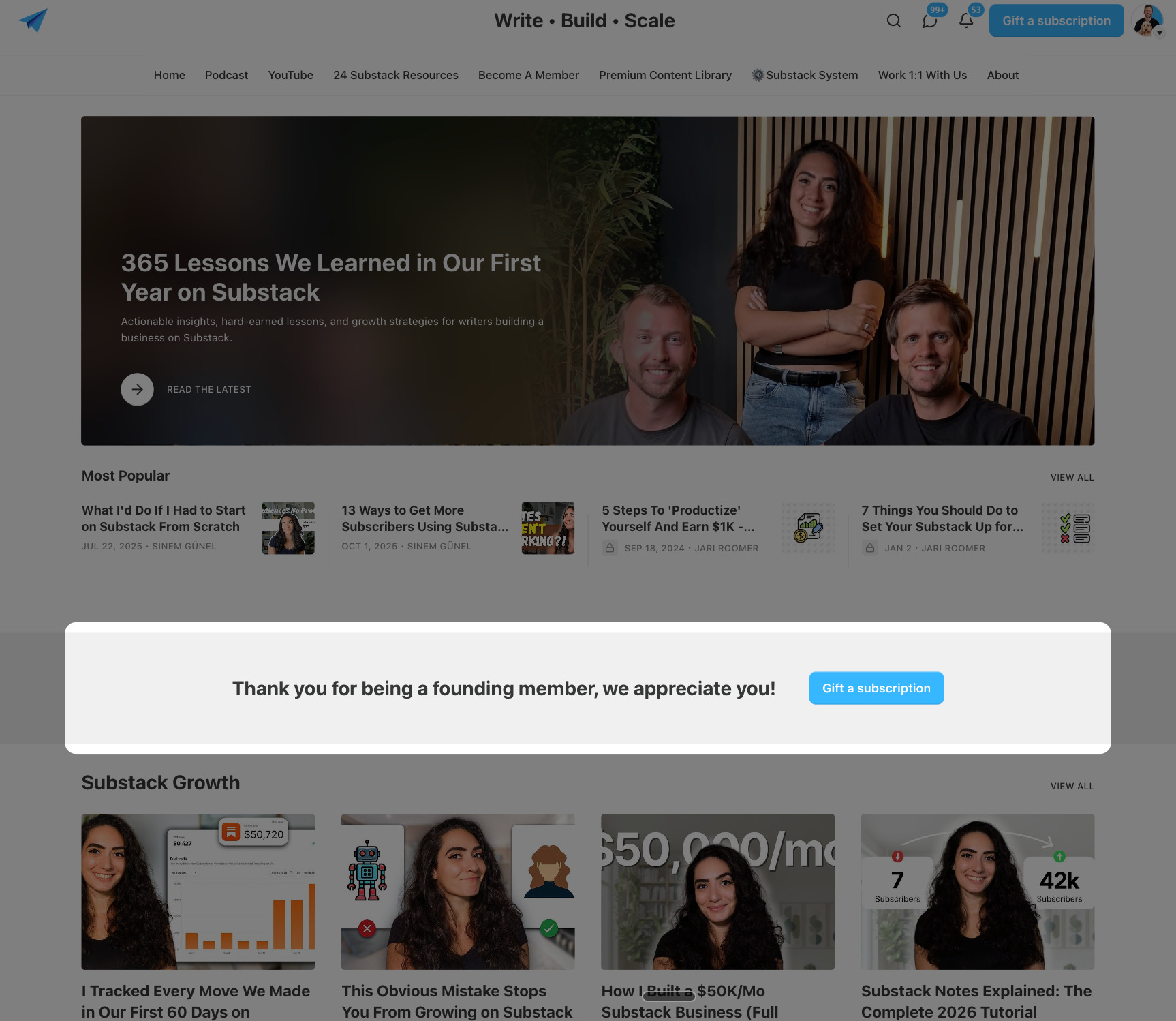
Our existing founding members see a similar message in this block, as we simply want to show our appreciation for being a founding member.
The message our founding members see is:
“Thank you for being a founding member, we appreciate you!”
How To Add The Dynamic Call-to-Action To Your Homepage
Setting up the dynamic CTA is pretty simple - and takes less than fifteen minutes.
Here’s how you do it.
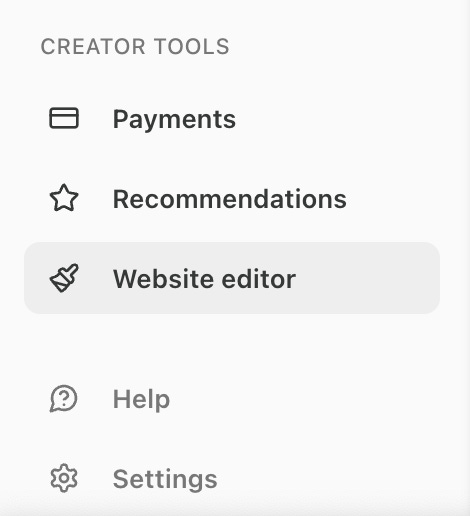
Step 1: Open The Website Editor
From your publication’s dashboard, look for ‘Website Editor’ at the bottom left of your screen (it’s under the ‘Creator Tools’ section).
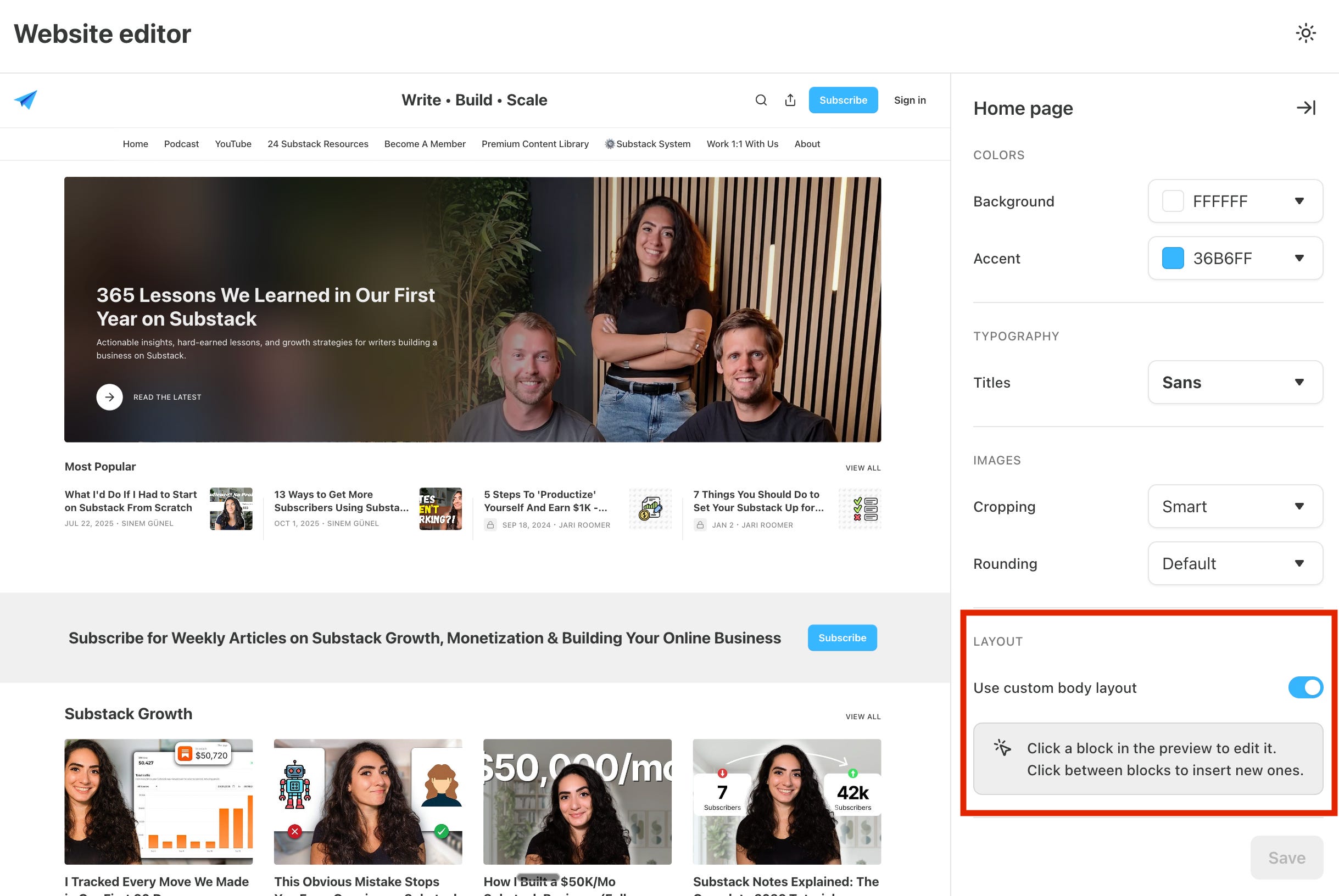
Step 2: Enable ‘Custom Body Layout’
Once you’re in the website editor, make sure ‘Use custom body layout’ is toggled on (like in the screenshot below).
This allows you to make custom changes to your publication’s homepage.
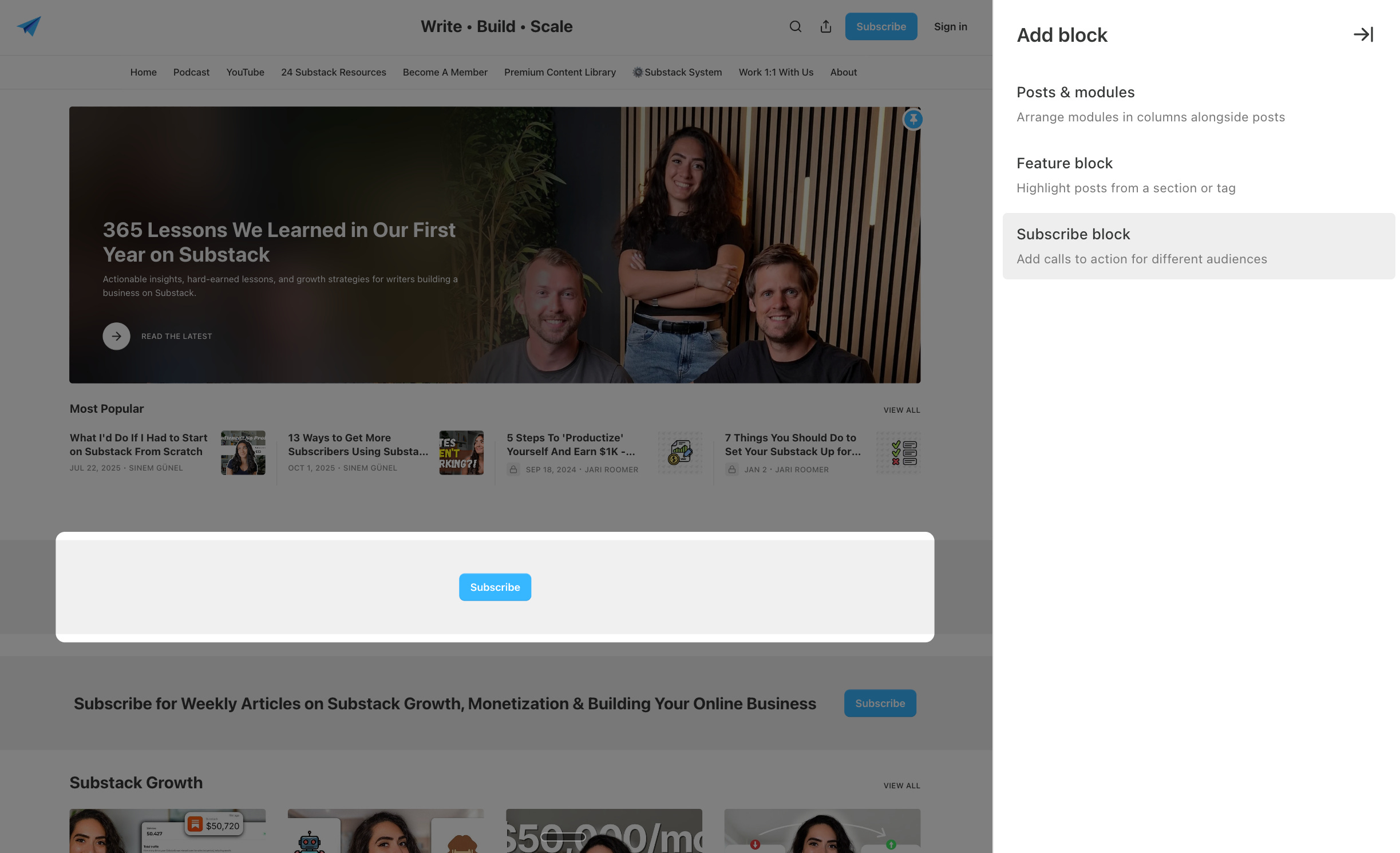
Step 3: Add The ‘Subscribe Block’
Next, place your cursor where you want the dynamic CTA to be featured on your homepage and click on ‘click to add block’.
(I recommend adding it near the top of your page, right below your ‘hero’ post and most popular posts section, where most people will see it.)
Then, from the right-hand side of your editor, select ‘subscribe block’. Now, the dynamic CTA is placed on your homepage, but without any text yet.
That’s what we’re going to do next.
Step 4: Write a Strong CTA For Every Type of Reader
You want to write a strong call-to-action that prompts your reader to take the next step in their journey, whether that’s to subscribe for free or upgrade to paid.
Make sure the call-to-action is short, clear, and benefit-driven, to maximise effectiveness.
To make this as easy as possible for you, I’ve added word-for-word dynamic CTA templates that you can copy-paste:
(This is a premium-member-only perk. If you aren’t a premium member yet, click here to upgrade to unlock these templates PLUS all our other exclusive resources to fast-track your Substack growth.)
